
Debt Payoff Planner Spreadsheet (Google Sheets)
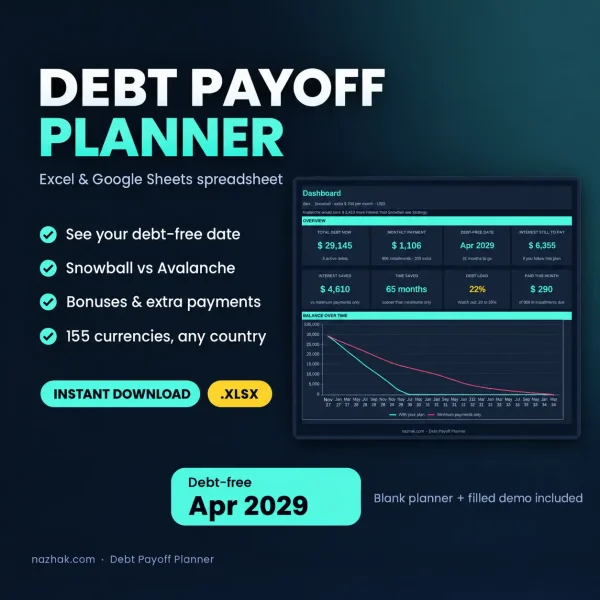
This debt payoff planner spreadsheet gives you one clear plan for every debt you owe. List your credit cards, loans and paylater balances, choose a strategy, and see your debt-free date, the interest you still have to pay and the order to attack your debts.
Snowball or Avalanche? Compare them with your own numbers
Snowball clears the smallest balance first, so you get early wins. Avalanche clears the highest interest first, so you pay the least interest. The Strategy tab shows both side by side: debt-free date, months to go, interest still to pay and how soon your first debt disappears. Switch between them in one cell.
What you get
- Dashboard: total debt, monthly payment, debt-free date, interest saved, time saved and a debt load check
- Debts: one row per debt, with 8 debt types and a status for paid off or defaulted
- Extras: a yearly bonus and one-time payments such as a tax refund
- Lifetime: your borrowing record and a quick check before you borrow again
- Payments: an optional log that builds your payment history
Two files are included: a blank planner for your own debts and a demo planner filled with example data.
See the real cost of flat-rate loans
Enter the original amount and the term, and the planner works out the effective yearly rate, fees included. If the rate you typed looks too low, it tells you so.
Works in Excel and Google Sheets, in 155 currencies
Pick your currency from a list and every amount follows. The planner tracks up to 10 active debts and plans up to 30 years ahead.
How it works
- Choose your currency and strategy in Start Here.
- List your debts in the Debts tab.
- Open the Dashboard and follow the payoff order.
- Once a month, copy your current balance from your statement.
Frequently asked questions
Does it work in Google Sheets?
Yes. Upload the .xlsx file to Google Drive and open it with Google Sheets.
Do I need to log every payment?
No. The Payments tab is optional. It adds a history and the Paid so far totals.
Is this financial advice?
No. It is a general planning tool.
| Language | Indonesia, Inggris |
|---|
You may also like
-
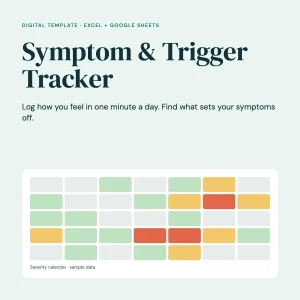
Symptom & Trigger Tracker
Original price was: Rp70.000.Rp50.000Current price is: Rp50.000. -
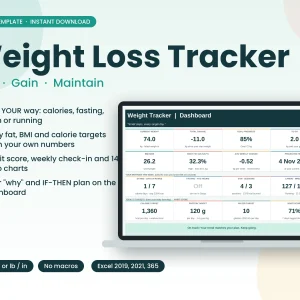
Weight Loss Tracker Excel Spreadsheet, Calorie Fasting Gym Running Habit Tracker, Body Fat BMI Dashboard, Instant Download
Original price was: Rp70.000.Rp50.000Current price is: Rp50.000. -
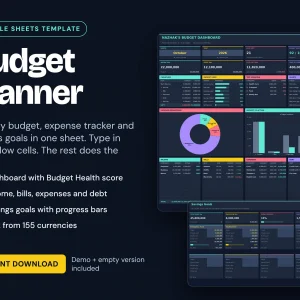
Budget Planner Google Sheets Template | Digital Download
Original price was: Rp70.000.Rp50.000Current price is: Rp50.000.Select options This product has multiple variants. The options may be chosen on the product page

Reviews
There are no reviews yet.